Get it on GitHub
 Model
Sketch, extrude, fillet and joint tools, plus named user parameters, all on native Fusion geometry.
Makes · Autodesk Fusion
Design in Autodesk Fusion by giving an AI design tasks instead of writing scripts.
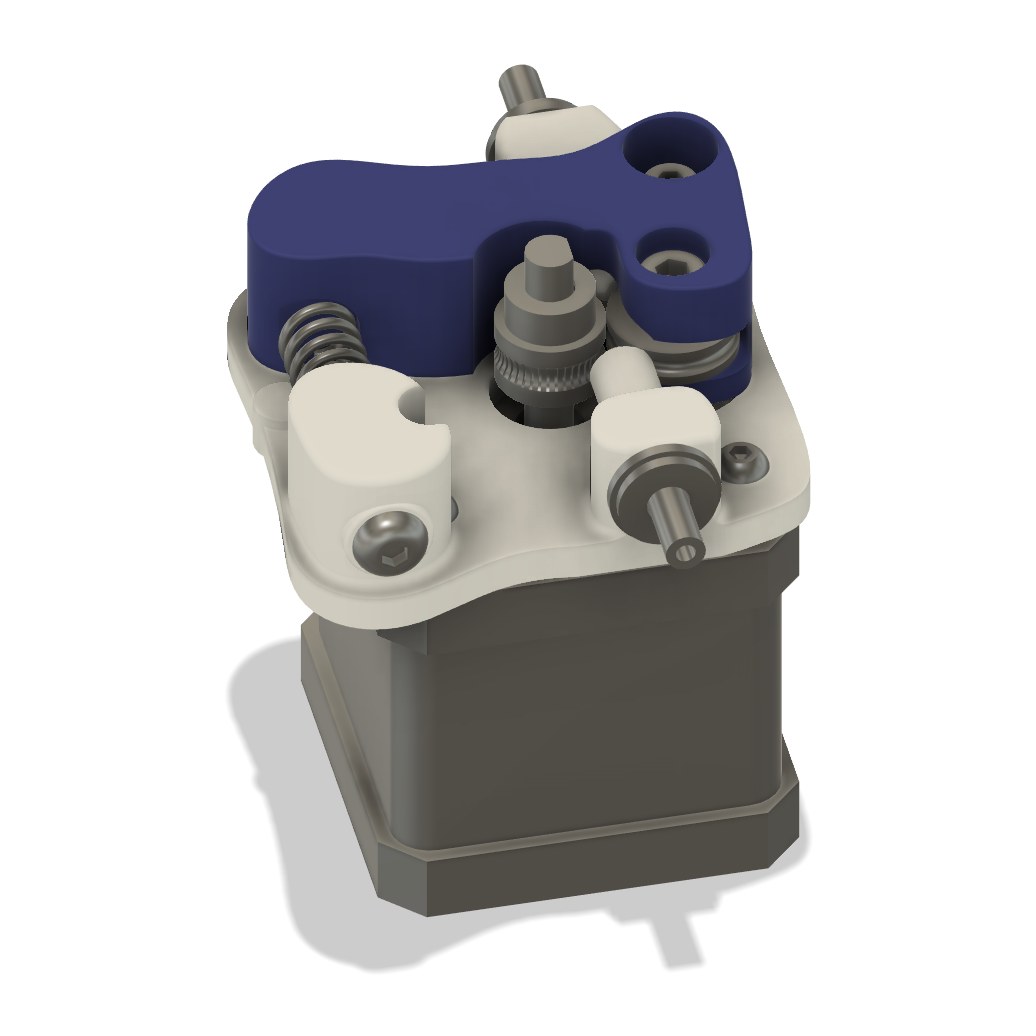
My Fusion MCP is a local MCP server plus a Fusion add-in. An AI client like Codex builds and inspects native Fusion models through 25 tools, or runs one complete Fusion Python modeling script in a single batch. It’s how GPT Astra modeled Branca, my Ender 3 Pro extruder.
How it connects
I asked Codex: can you build an MCP so I can design in Fusion by giving you design tasks instead of writing Python scripts?
The answer is this tool. GPT Astra used it to model Branca, a new extruder for my Ender 3 Pro, as a fully parametric Fusion design.
Sketch, extrude, fillet and joint tools, plus named user parameters, all on native Fusion geometry.
Run one complete Fusion Python modeling script as a durable job, with progress, a checkpoint before it runs and a model health check after.
Nested assembly and geometry inspection: components, bodies, faces, edges, joints and parameters. It can also read what you select in Fusion.
Pick edges and faces by geometry: type, direction, size or position, or by the feature that made them.
Interference and clearance checks, minimum-distance measurement, motion sampling and feature and joint health checks.
F3D, STEP and STL export, print-oriented copies and exact-size image capture.
One modeling script, tracked as a job from start to finish.
inspect_design finds the active design and its root component.run_model_script queues a complete modeling script as a durable job and returns right away. The full design is checkpointed before any code runs.job_status and job_result report progress and structured results: created components, bodies, sketches and features, measurements, files and warnings. Resending the same operation ID returns the same job instead of running it twice.Full signatures are in the tool reference on GitHub.
Rules and hygiene
Design and sketch
Batch jobs
Inspect and select
Check
Export
The MCP ships with my Fusion modeling rules and hands them to the AI, through a tool and an MCP resource, before any design task.
For purchased hardware, the rules go in order: find the real CAD online, ask me, rebuild it from the spec sheet, and only then use a placeholder. audit_modeling_hygiene reviews naming, sketch constraints, timeline health and parameters across the whole design.
Made with it
GPT Astra modeled Branca through this MCP: four printed parts built around the hardware already on the printer.
See Branca →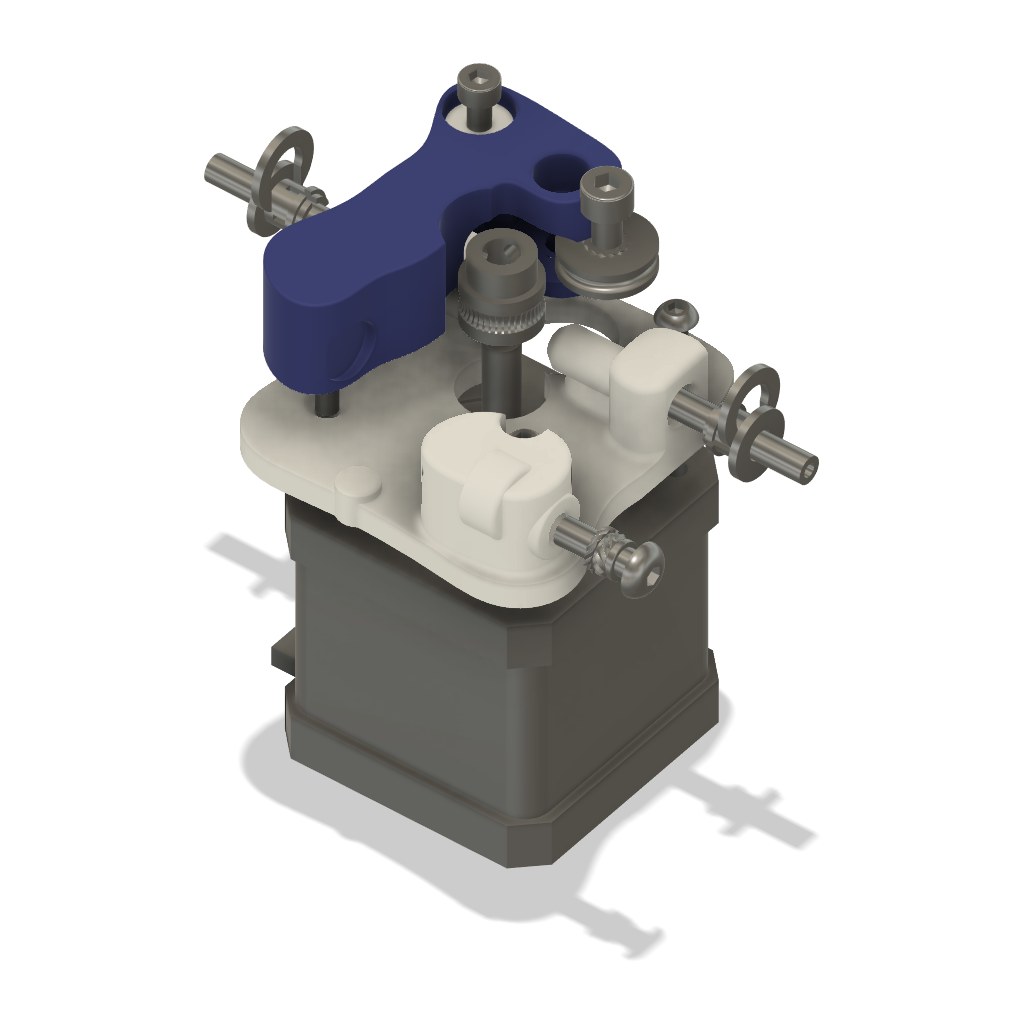
Installation and configuration guides are in the repo.
Licensed under the PolyForm Noncommercial License 1.0.0: use, copy, modify and share it for any noncommercial purpose.

Point your AI client at Fusion and give it a design task.